
Every channel in one queue
Phone, web and app chat, WhatsApp, Facebook, Instagram, LINE, WeChat, email, SMS, video and more arrive in one place, routed by business type, language and customer tags to the right person.
Hotline · WhatsApp · Web chat · Email · Tickets — one workspace
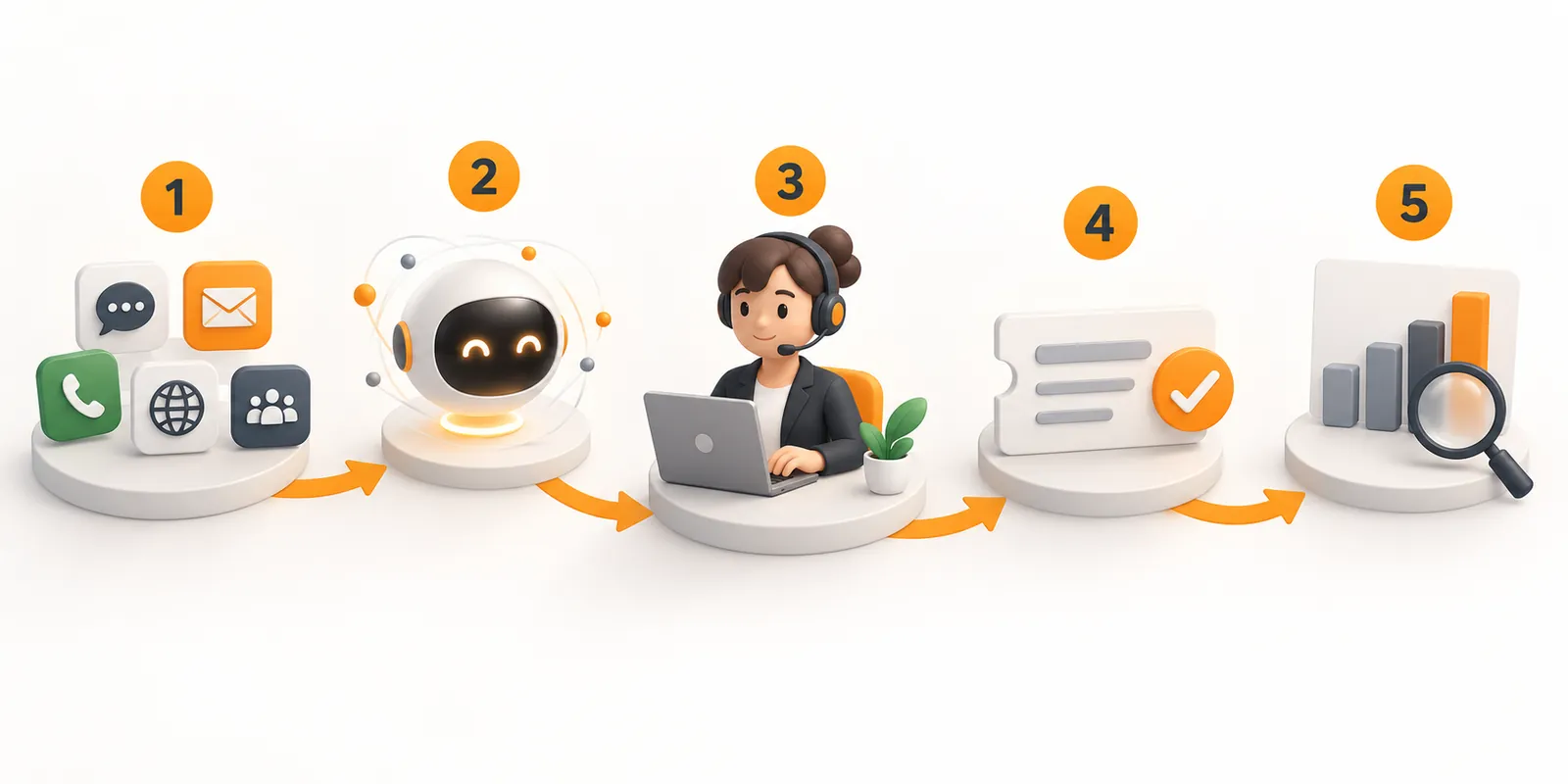
Bring your hotline, web and app chat, WhatsApp and social media, email and tickets into one workspace. AI chat and voice agents answer routine questions around the clock and pass complex cases to your team with the full conversation attached, while supervisors see service levels live and AI reviews the quality of every interaction.
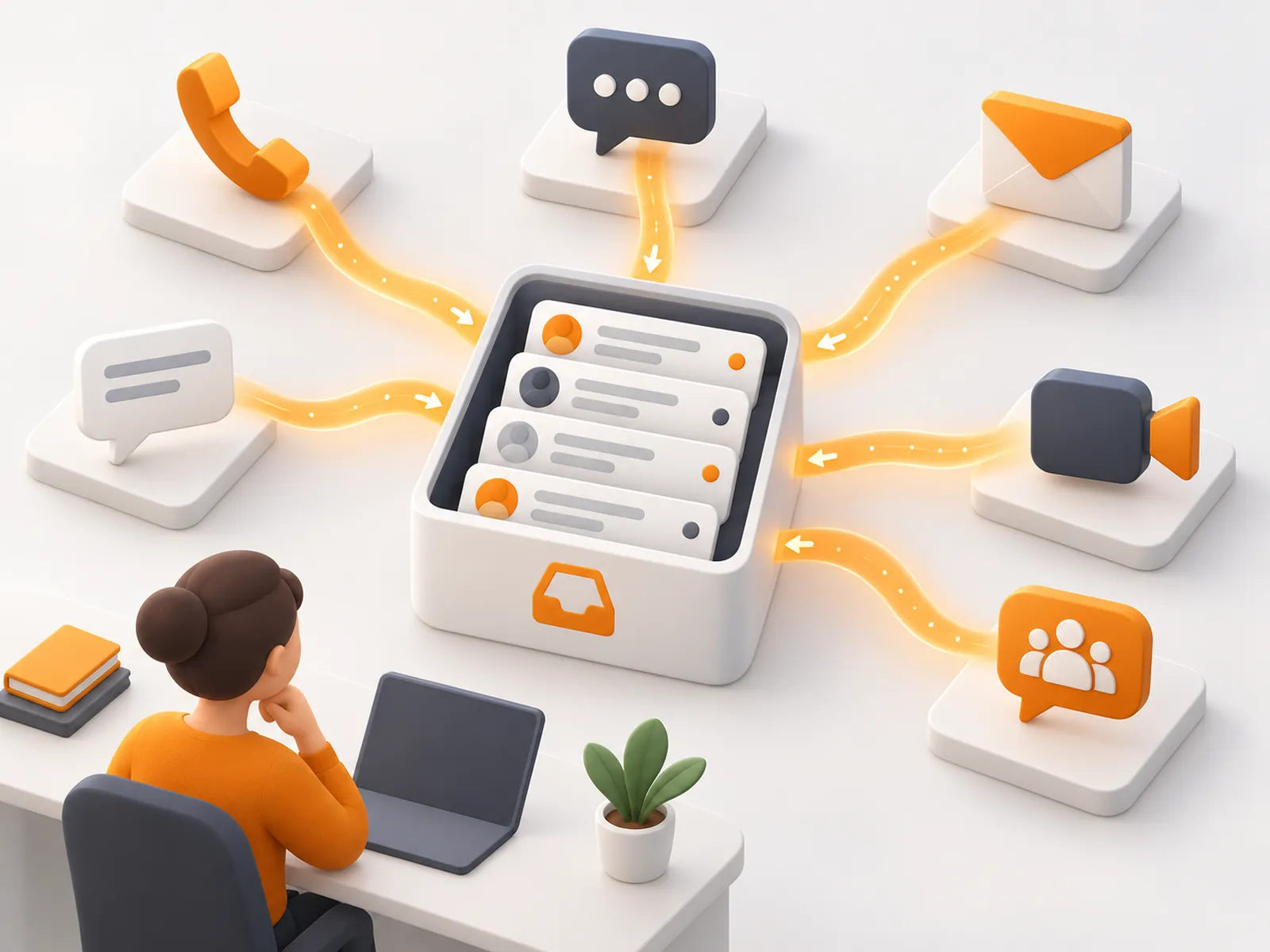
Phone, web and app chat, WhatsApp, Facebook, Instagram, LINE, WeChat, email, SMS, video and more arrive in one place, routed by business type, language and customer tags to the right person.
IVR menus, call routing, transfers and three-way calls, browser (WebRTC) and desktop softphones, and call recording. Supervisors can listen in, barge in and take over live calls.
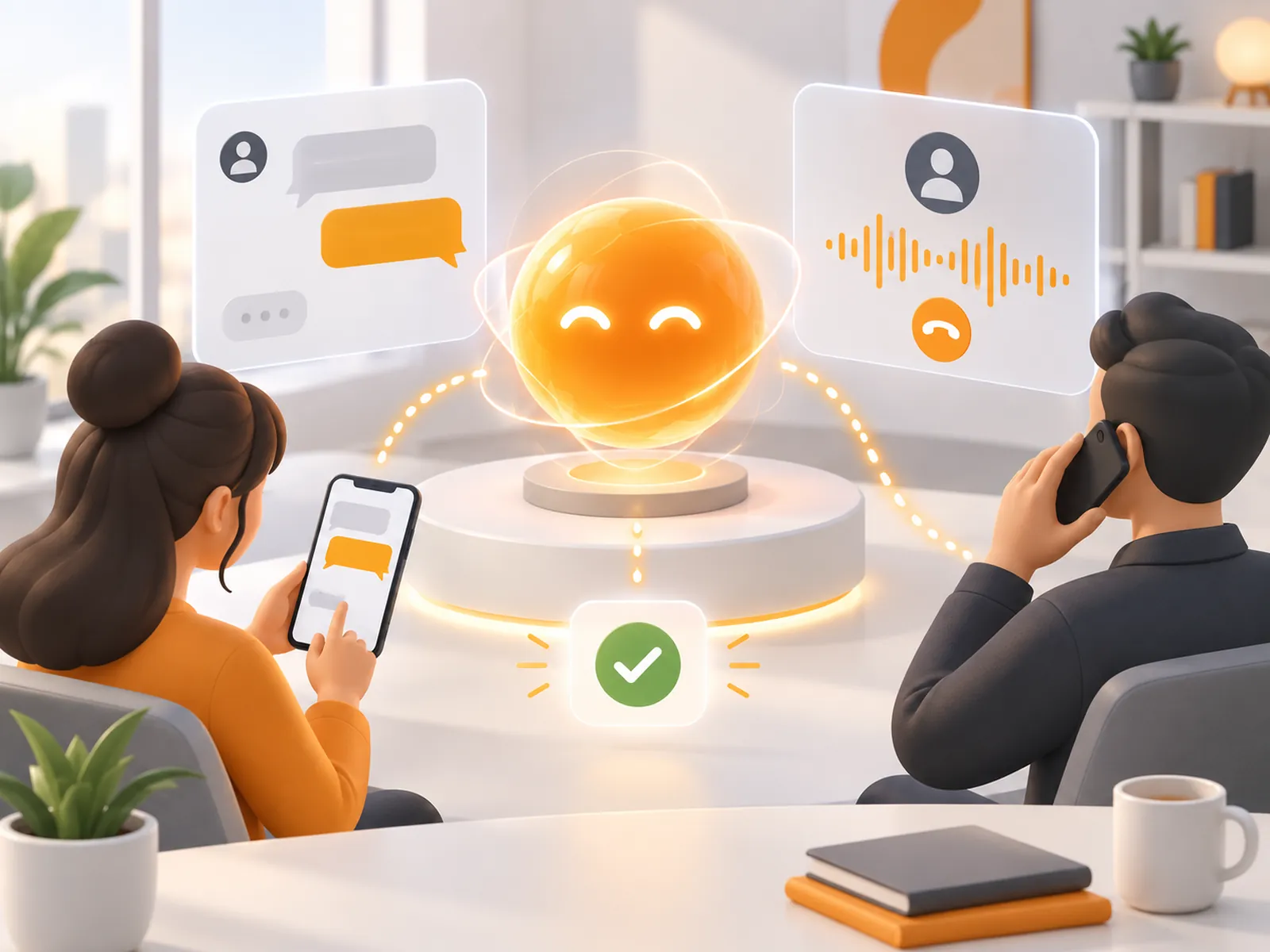
Answers questions using large language models grounded in your knowledge base, picks up customer frustration, and understands screenshots and documents customers upload. It connects to your systems to verify identity, check status and complete requests, following flows you design in a low-code visual tool. Anything out of scope goes to an agent with the full conversation.
Natural conversation instead of press-1 IVR menus, in Cantonese and mixed Chinese–English, handling multi-turn requests. It can also make outbound calls such as payment reminders, renewal notices and satisfaction surveys, and passes calls to an agent with a live transcript and an intent summary.
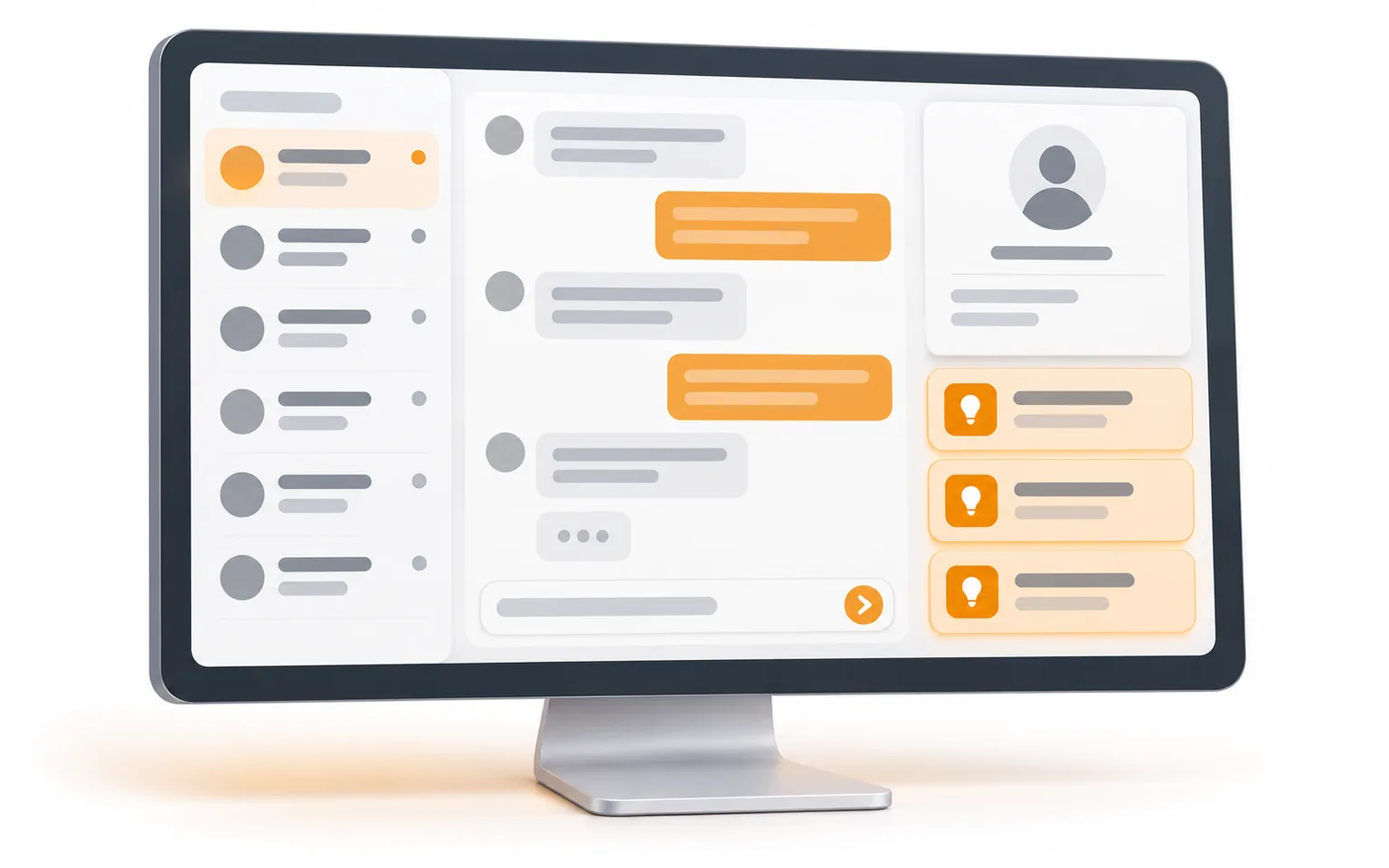
Conversations from every channel in one screen, alongside the customer's profile, history and business data such as orders, so agents stop switching between systems.
Suggested answers and next steps during the conversation, live call transcripts, automatic summaries of calls and chats, reply polishing and translation, automatic ticket filling and customer tagging.
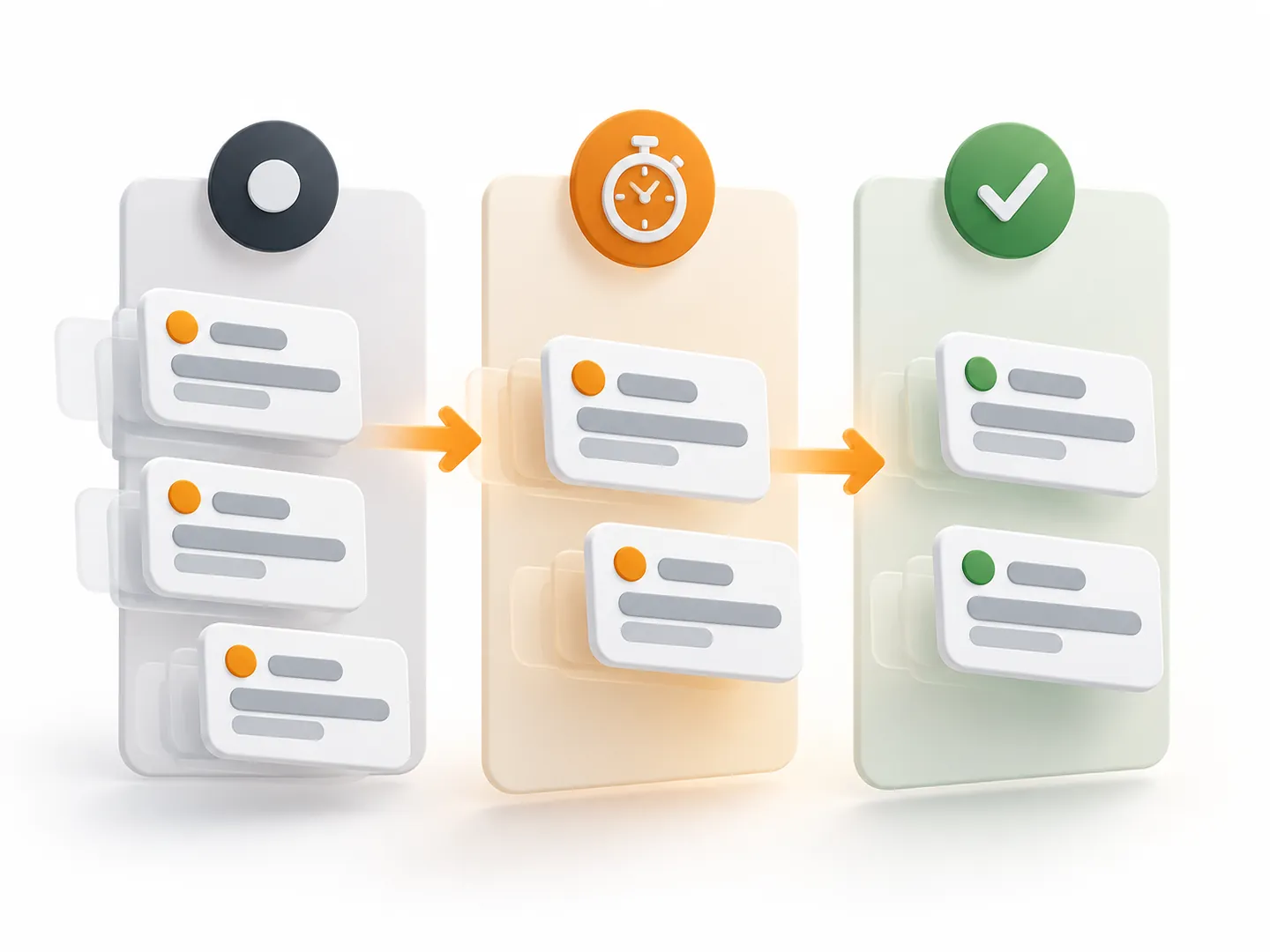
Create tickets automatically or by hand from calls, chats and email, with custom fields, assignment rules, multi-level tickets, approvals and SLA timers, so every case stays visible until it is closed.
Import documents and FAQs in many formats. AI helps structure, link and translate them, with permission controls, and the same knowledge serves the AI agents, your staff and customer self-service search.
Reviews every call, chat, email and ticket instead of a sample, scores them against your own criteria, flags sensitive wording and compliance risks (such as "guaranteed returns" promised to a customer), and supports manual review and appeals.
Finds hot topics, complaint risks, service issues and opportunities in conversations, with analysis of customer sentiment, handling time and other measures.
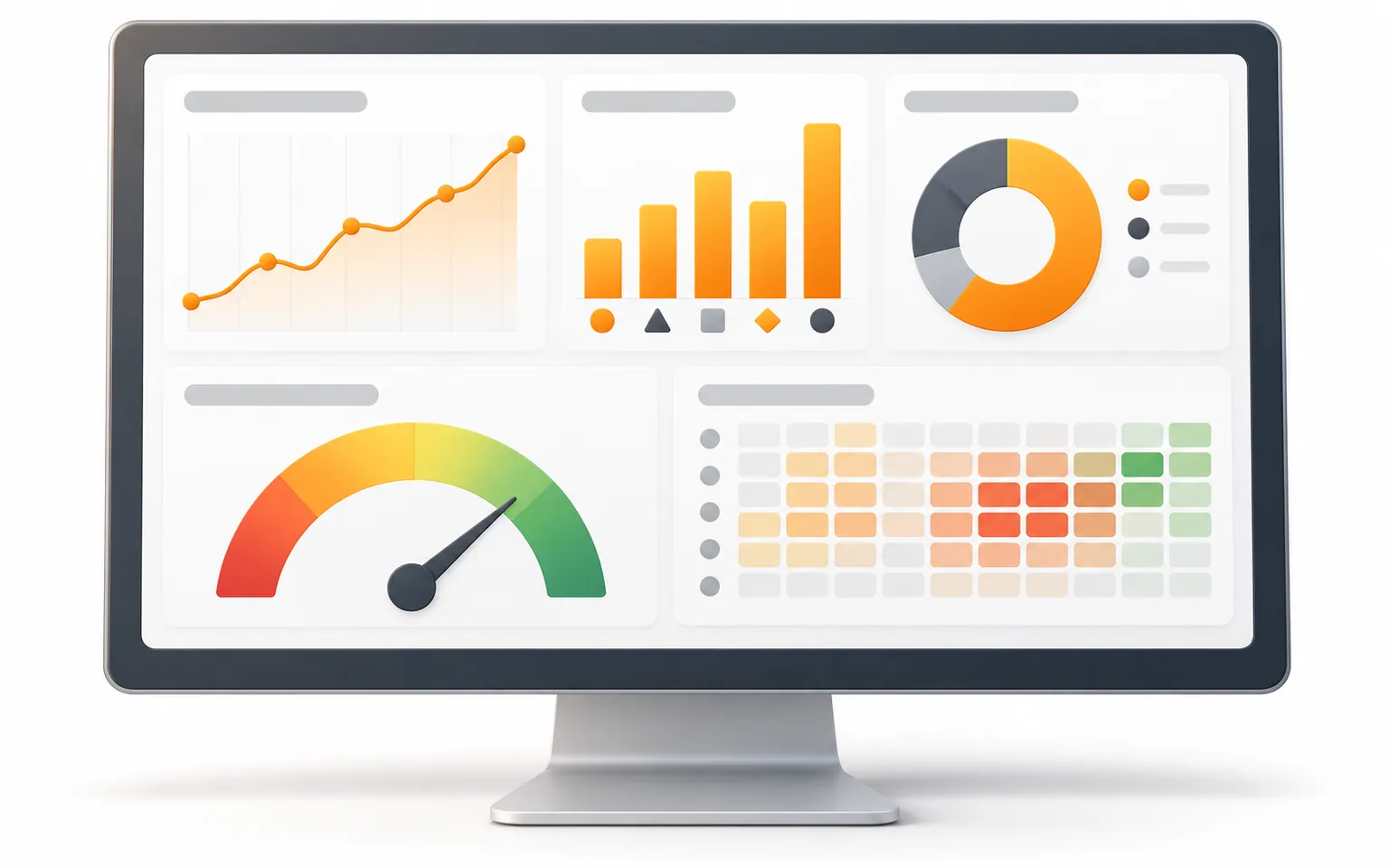
Live dashboards and custom reports across all channels, plus staffing and rostering tools for busy periods.
iGears is your contracting party and runs the whole project: requirements, process design, configuration, integration, testing and go-live.
iGears has built and integrated systems for Hong Kong organisations, so we can connect the solution to your CRM, membership, billing and internal systems.
We tune Cantonese knowledge content, AI agent wording and hand-over rules using your real enquiries, and train your agents and supervisors.
iGears provides first-line support and ongoing tuning, with technical support from the platform vendor. Service levels are set in your agreement.
Bookings and changes, service and fee enquiries, follow-up reminders
Hotline and multi-channel enquiries, referral and follow-up tickets, programme enrolment questions
Admissions and parent enquiries, student services
Customer hotlines, complaint case follow-up, call quality and compliance checks
Repair hotlines, maintenance tickets and progress updates
Client enquiries, appointments and follow-up
HR, IT and finance questions answered by AI first, with a ticket raised automatically when unresolved
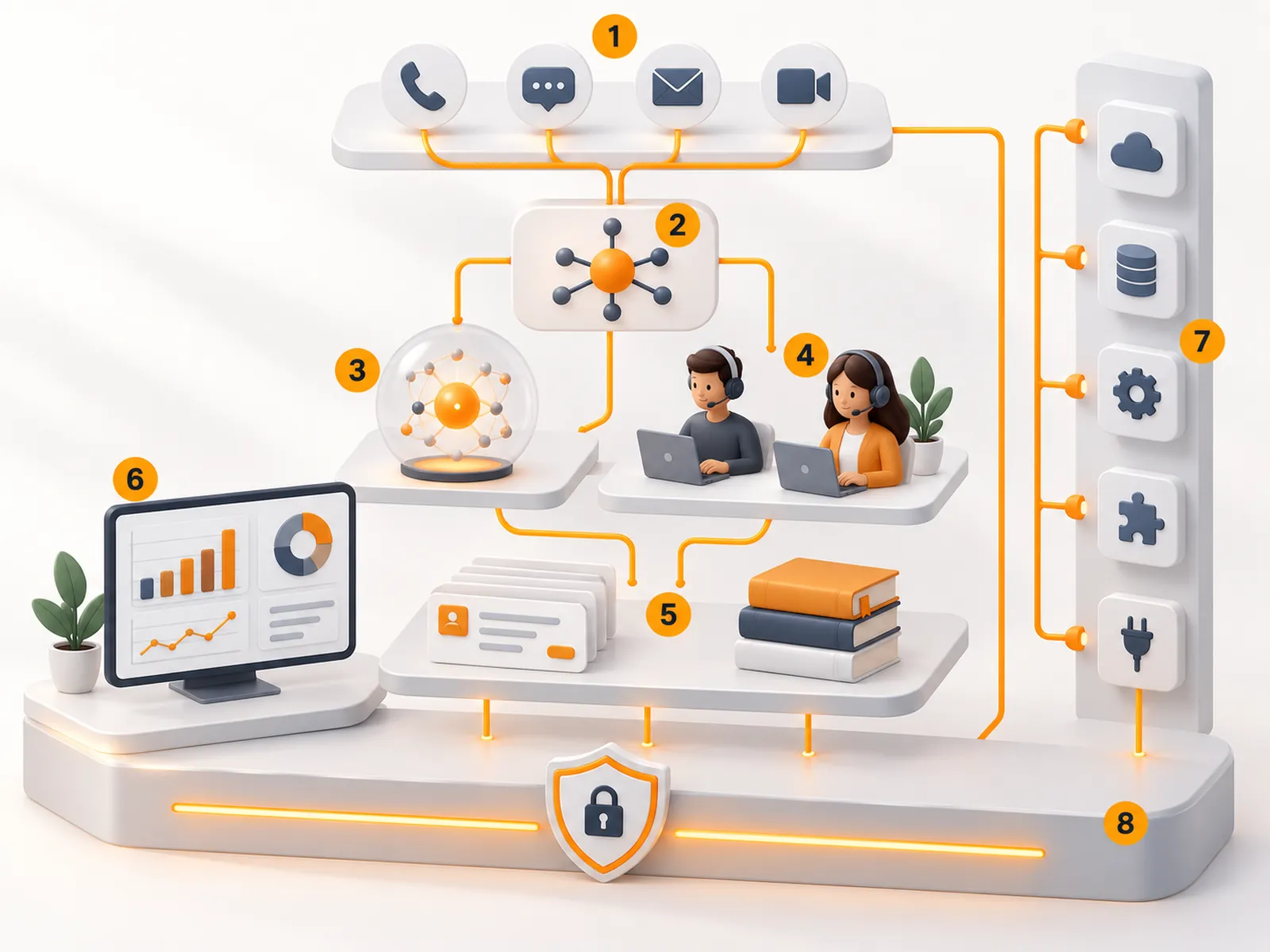
How channels, AI, agents, tickets and reports work together and connect to your existing systems.
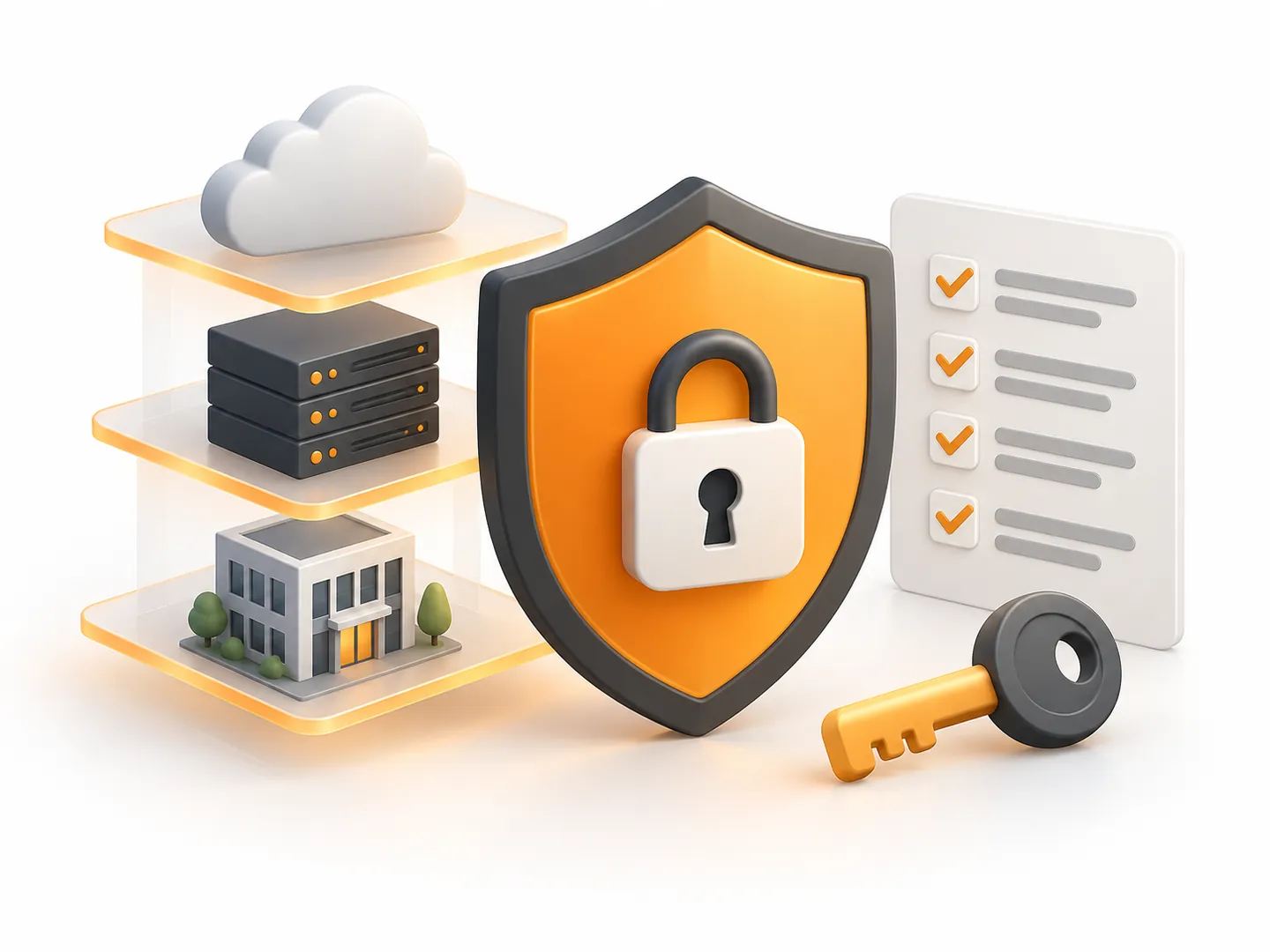
Cloud SaaS, dedicated-cloud and private deployment options, chosen to fit your data and compliance requirements and the modules you use. Where data is stored is agreed before the project starts.
Permissions by role, single sign-on and two-factor authentication, and a record of user activity for audits.
Data is encrypted in transit and at rest, sensitive details such as ID, bank and credit card numbers can be masked on screen, and each organisation's data is kept separate.
Controls to detect and block prompt injection, and checks on accuracy, privacy and wording before a reply is sent. You can set the AI to decline, and pass the customer to a person, when it has nothing to base an answer on.
Large language models can be matched to each task, response-time need and data requirement, including privately hosted models.
Open APIs, webhook event notifications and SDKs for iOS, Android and the web let the solution exchange data with your CRM, ERP, order and billing systems, and staff sign in with their organisation accounts through single sign-on. If you already run an iGears membership, course or web platform, we can scope an integration.
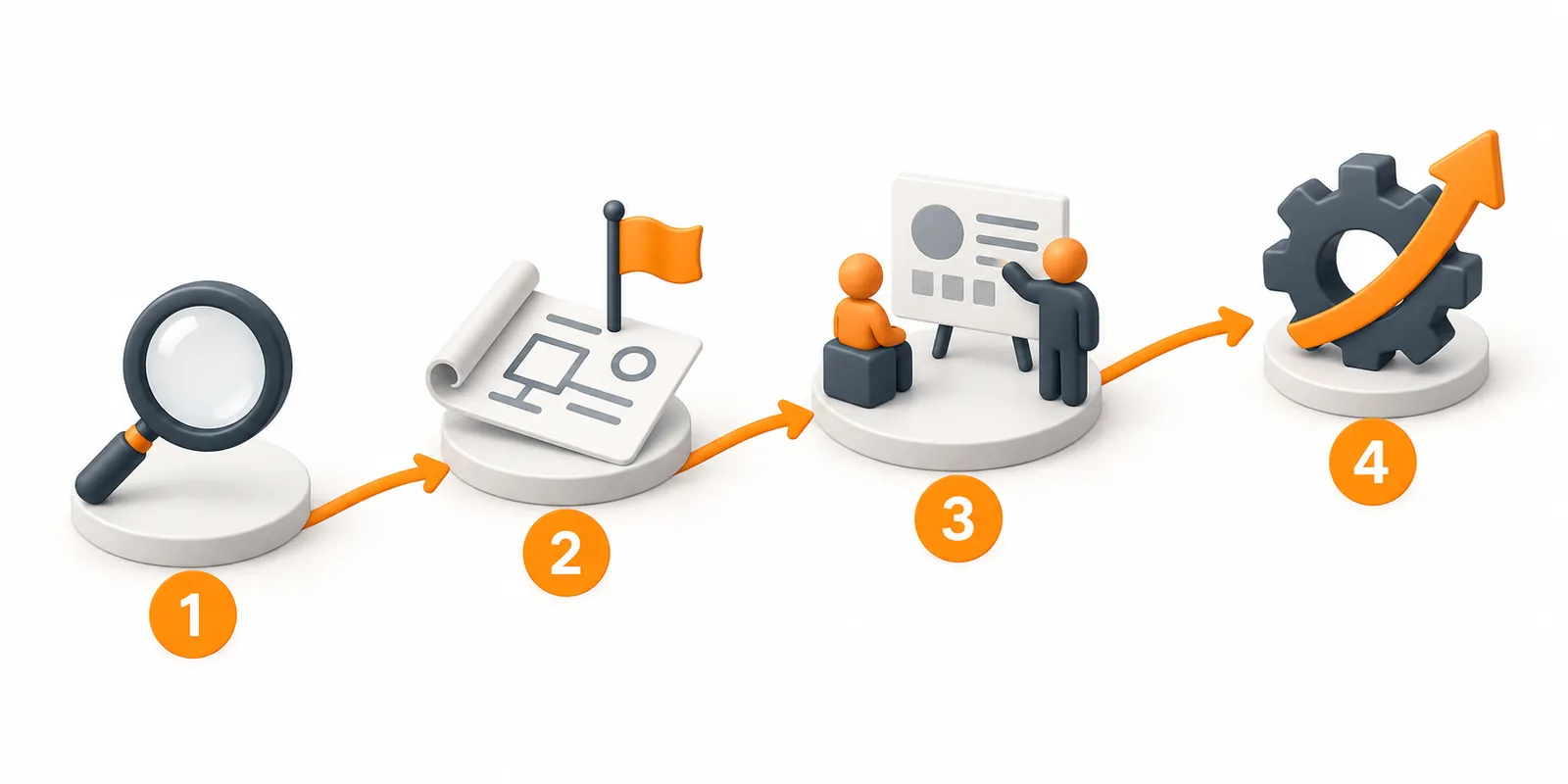
Map channels, call and enquiry volumes, common questions, processes and systems
Design routing, tickets and knowledge, then pilot one or two channels
Go live in phases, finish integrations, train agents and supervisors
Use AI quality reviews and reports to find improvements and widen what the AI agents handle
Not entirely. AI takes repetitive, standard questions, while complex or sensitive cases, and anything that needs judgement, stay with your team. Hand-overs carry the full conversation and customer details, so customers don't have to repeat themselves.
The voice agent speaks Cantonese and copes with mixed Chinese–English, and the chat agent replies in the customer's language. We test and tune both with your real enquiries during the pilot.
It depends on your current phone system and carrier; we confirm the options during the assessment.
Cloud, dedicated-cloud and private deployment options are available, depending on the modules. Data location, retention and security requirements are confirmed against your policies before the project starts and written into the agreement.
Yes. Start with, for example, ticket management or the AI chat agent, and add hotline management, AI quality reviews and more later.
If you mainly need answers from approved FAQs, documents and knowledge on your website, WhatsApp or internal portal, start with the AI Knowledge Assistant. To add a voicebot and call summaries to an existing hotline, see Voicebot & Speech Analytics. To run your hotline, channels, tickets and quality checks in one workspace, choose the AI Contact Centre.
By the modules you choose, your scale (such as the number of agent seats), channels and deployment model. We send a written quotation once we understand your needs.